
Dies ist eine alte Version des Dokuments!
Inhaltsverzeichnis
Nextion Touch Display for UniPager
Zu jedem schönen Projekt gehört mittlerweile auch ein Display. Die Varianten der Firma Nextion sind sehr beliebt auf Grund ihrer Fähigkeiten und ihres Preises. Der Anschluss geschieht über einen USB-TTL 3,3 Volt Wandler, da der interne UART-Port auf dem RasPi bereits belegt ist beim RasPagerC9000. Die Software ist in Entwicklung. https://github.com/rwth-afu/UniPagerNextion
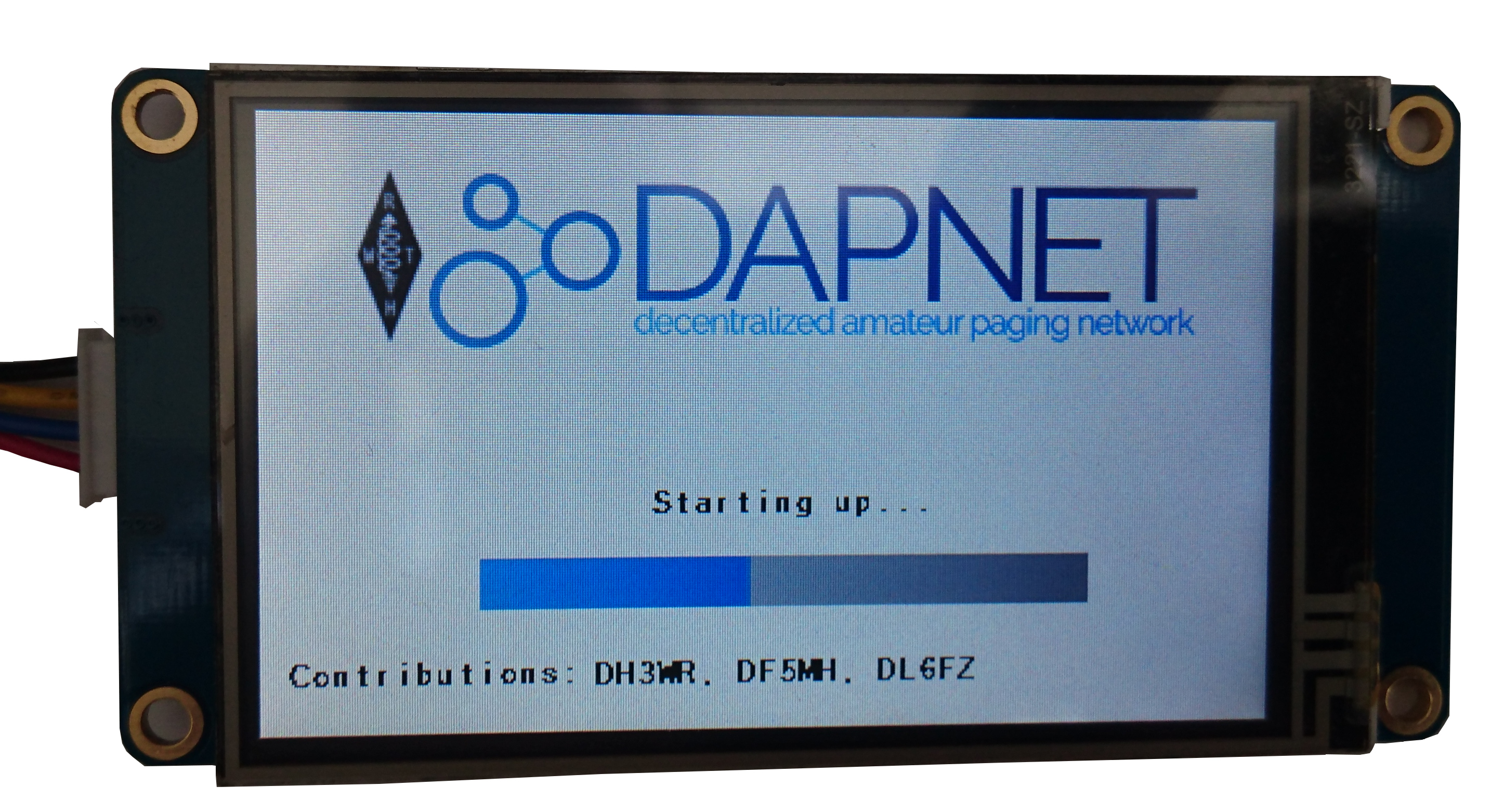
Start-Animation des Displays:
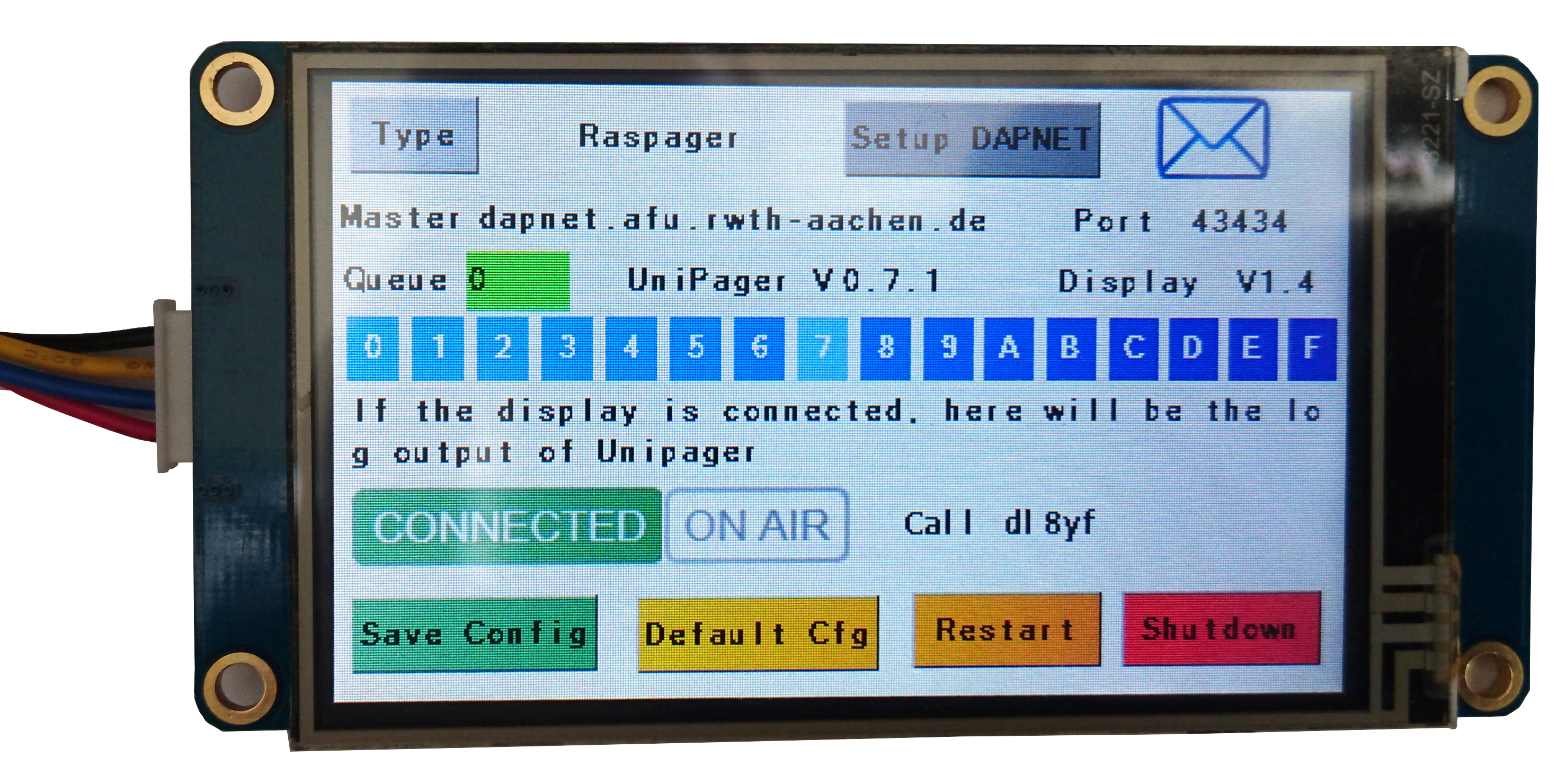
Ansicht im laufenden Betrieb:
Supported Display types
In general, all display types from nextion are supported, but it is recommended to use as minimum the 3,2 inch version in order to have sufficient space on the display. The type code is NX4024T032 Link to the manufacturer.
Be aware: The updates of Unipager may not always be compatible with the UniPagerNextion software. If something is not working after an update, let us know and write a ticket to
support at hampager.de
or open a ticket directly.
Installation
Overview
The working principle of this display control is devided in two parts:
- On the Nextion Display a special software is running to display the graphics and interact via a UART interface with the host running Unipager.
- On the host with Unipager, a Pyhton script is connecting via the websocket interface to Unipager. This makes it possible to get the status and config data from Unipager as well as sending the configuration manipulated on the touch screen display towards the Unipager.
Preparation
Install unipager as described on the Unipager section of this wiki. Install git with
sudo apt-get install git
Software download and install
Clone the github repository containing all the software needed into a temporary directory, e.g. /home/pi
git clone https://github.com/rwth-afu/UniPagerNextion.git
cd into the directory of the install script and run it:
cd UniPagerNextion/src
sudo bash ./install.sh
This will install the python script to /usr/local/bin/unipagernextion.py and install a systemd service file named /usr/local/lib/systemd/system/unipagernextion.service. It will also register this service.
Now edit the config file in /etc/unipagernextionconfig.py according to your needs:
sudo nano /etc/unipagernextionconfig.py
# The config is just a python script which will be included

# The hostname, default localhost
#hostname = "localhost"

# The port, default 8055
#port = 8055

# Serial Port to the Nextion Display, default "/dev/ttyUSB0"
#serialport = "/dev/ttyUSB0"

# Serial Seppd to the Nextion Display, default 115200
#serialspeed = 115200
In the general case, no adaption is needed.